Open accessibility menu Skip to page content
Event Marketing One Click Promotion

Promote your event in one click

Isang click lang, naibabahagi na ang iyong event page kahit saan. I-publish sa socials at sa iyong mga email list sa isang click.

Paano i-share ang iyong event page sa isang click

  • 1
    Create an event page

    Enter event details and description. Add an image or video.

  • 2
    Click "Promote in one click"

    Select social accounts and email lists to publish to.

  • 3
    Edit and publish

    Once your caption and email content are done, select "publish".
Cut hours off your outreach

Cut hours off your outreach

Say goodbye to bouncing between design, email, and publishing apps. Our time-saving tools do the heavy lifting.

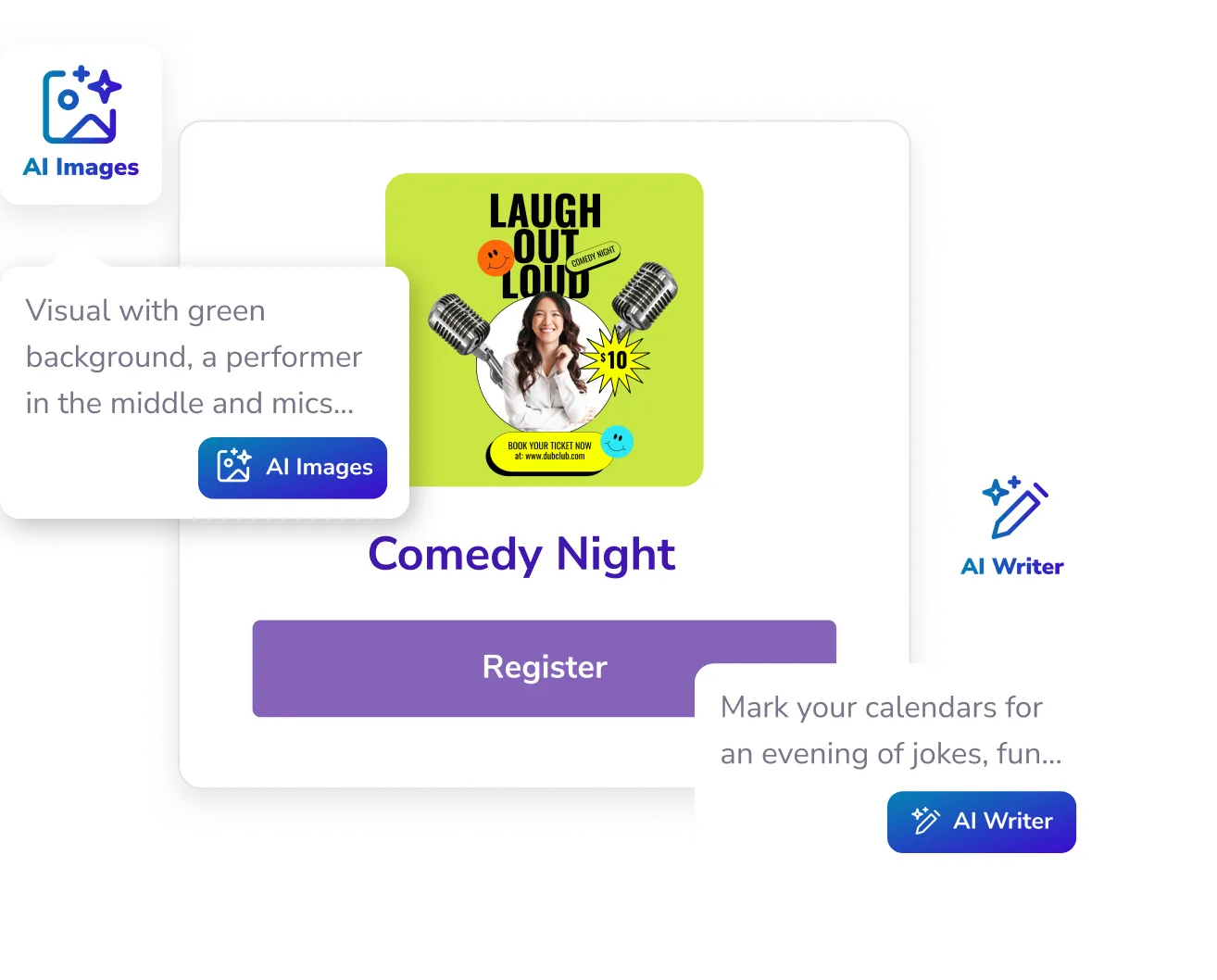
  • AI Writer creates catchy captions and email content for your posts.

  • Match your event’s vibe with custom AI Images.

  • Ready to publish? Save time with pre-populated social and email templates. Tweak and hit publish.

Reach more people with less work

Reach more people with less work

Engage your audience before, during, and after your event. Keep the buzz going with:

  • Mga event page na puwedeng i-share.

    Let people RSVP instantly and add your event to their schedule.

  • Embeddable calendar

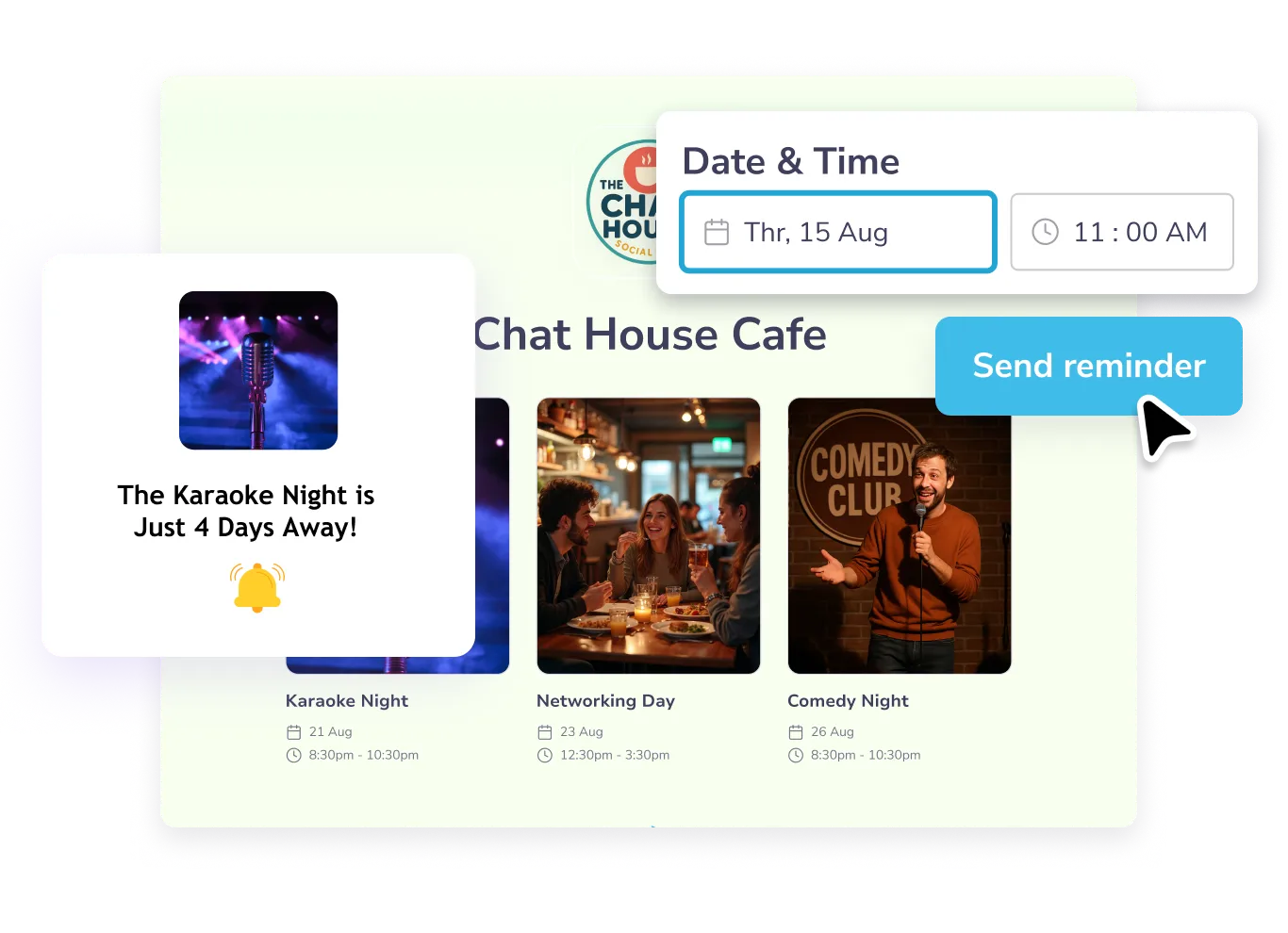
    Got a lineup of events? Add them all to one embeddable calendar and embed across your website and pages.

  • Automatic reminder emails

    Keep your audience in the loop with automatic nudges leading up to the big day.

All-in-one na event ticketing platform, sa iisang mababang presyo

Frequently asked questions

Do I need to connect my social accounts to use one-click promotion?

Yes. Connect your Facebook, Instagram, or X accounts once, and you can publish directly without leaving PosterMyWall.

Can I customize the AI-generated content?

Absolutely. You’ll get smart suggestions, but you can tweak headlines, images, and layouts to make them yours.

What if I don’t have an email list?

Walang problema! Madali kang makakabuo nito gamit ang mga signup mula sa iyong event page. Puwede ka ring gumamit ng mga email signup form para magsimulang mangolekta ng mga email registration. I-share ang iyong form gamit ang isang link o i-embed ito sa iyong mga webpage.

Libre bang gumawa ng event page gamit ang PosterMyWall?

Oo, puwede kang gumawa ng 2 event page bawat buwan bilang bahagi ng libreng plan ng PosterMyWall. Para gumawa ng mas maraming page at ma-unlock ang mga opsyon sa promotion, tingnan ang mga Premium at Premium Plus plan ng PosterMyWall.